
Create A React Project
We will now learn how to create a React project and host the repo in GitHub
Create React App
Create React App is a CLI tools that help you to create a project with all the required configurations for a typical React applications, e.g. webpack, Babel, and ESLint.
Create the Project
To create the project for our app, in your CLI, go to the directory that you want to create the project, and run the following command:
npx create-react-app react-movie-app- the command will create a folder
react-movie-appand install all the required dependencies for your project. Have fun waiting :) npxis anpmutility that allows you to run CLI tools conveniently. Withoutnpx, you need to run 2 commands:npm install -g create-react-app create-react-app react-movie-app
After the command finish running, go into the folder and open it with VS code:
cd react-movie-app
code .
You should see the project structure as below:

Run the following command in the CLI, and your browser should open with the default Create React App application:
npm start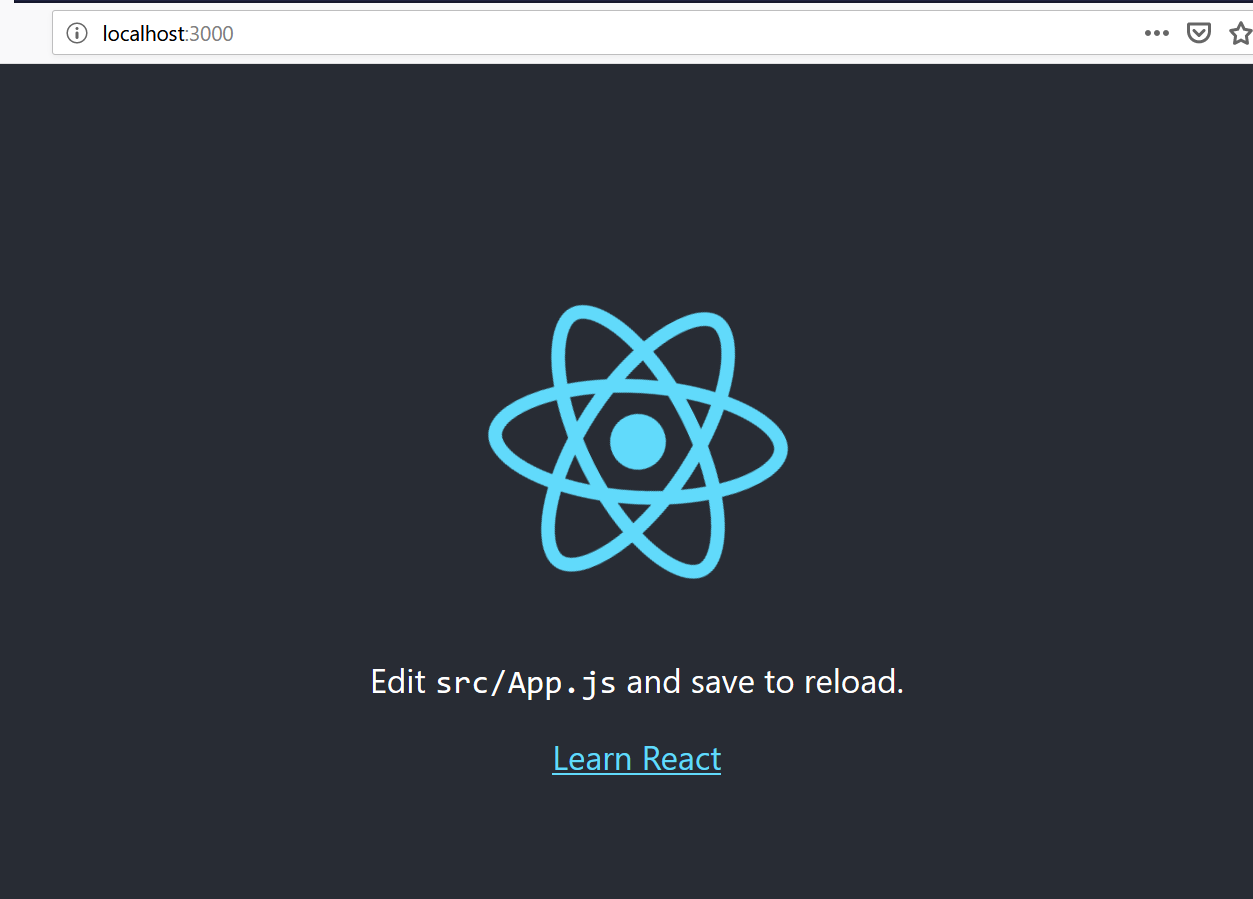
Host Your Repo in GitHub
Now that we’ve created the project, it’s always good practice to host your repo somewhere instead of just on your PC, as you would never know when your PC will give you a surprise.
We will host our repo in GitHub.
-
Create a new repo in GitHub (via this link or click the New button in your GitHub profile).
-
Name the repo as “react-movie-app” (or something else if you wish). Click “Create Repository” button.
-
Follow the “…push an existing repository from the command line” instruction on the page by running the command in your
react-movie-appfolder. It should be something like this:git remote add origin https://github.com/malcolm-kee/react-movie-app.git git push -u origin master -
Refresh the GitHub page. You should be able to see your code is available at the GitHub repo now.
Transferring Code to the Project
Now that we have a project, let’s move our code to this project.
- Include our html code into
public/index.htmlexcept thescripttags. - Replace the content of
src/index.jswith our code within thescripttag. Remove all imports exceptReactandReactDOMimports. If you don’t know what these imports statements are, no worries, I’ll explain them shortly. - Delete all the files in
srcfolder exceptindex.jsfile.
Now when you run npm start the application should be as per before.
Commit your code and push to your GitHub repo.
git add .
git commit -m "transfer code to project"
git push